Jacob Ooi LinkedIn (opens in a new tab)
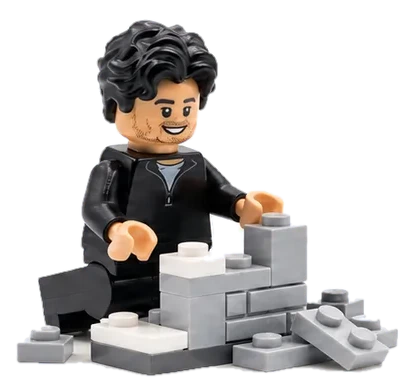
Lego figure of Jacob, smiling, building with grey bricks.

Jacob Ooi · Head of Transformation and Analytics @ Ventia Australia (ASX: VNT)

Building is my love language.

Applying AI to real work and real life.

In today's data‑rich world, context, and the ability to retrieve and switch it, are key.

I built a working system around that idea, so the time it saves goes back into strategic thinking and product judgement.

How the system fits together

Jacob's AI OS

Knowledge graph

  • Obsidian

Meetings, decisions, specs, skills and templates. The harness reads it before it writes anything, and files every output back.

AI harness

Any of these models, the same rules and connectors.

  • Claude
  • Gemini
  • OpenAI
  • Qwen
  • Kimi

Connects to your team's enterprise tools · one place to work

  • Whiteboarding

    • Miro

    Workshop boards built from the vault, read back after.

  • PMO tools

    • Jira
    • Asana
    • Smartsheet
    • monday.com

    Tickets and plan rows, pushed after approval.

  • Data and tool calls

    • BigQuery
    • Databricks

    Queries run from the session, results filed with the note.

  • Templates

    • Brand kit

    Status packs, PRDs and write-ups keep one shape and one look.

Example tools. Connect the ones your team supports and approves.

Select any tile to jump to that part.

CASE STUDIES · WHAT IT HAS BUILT

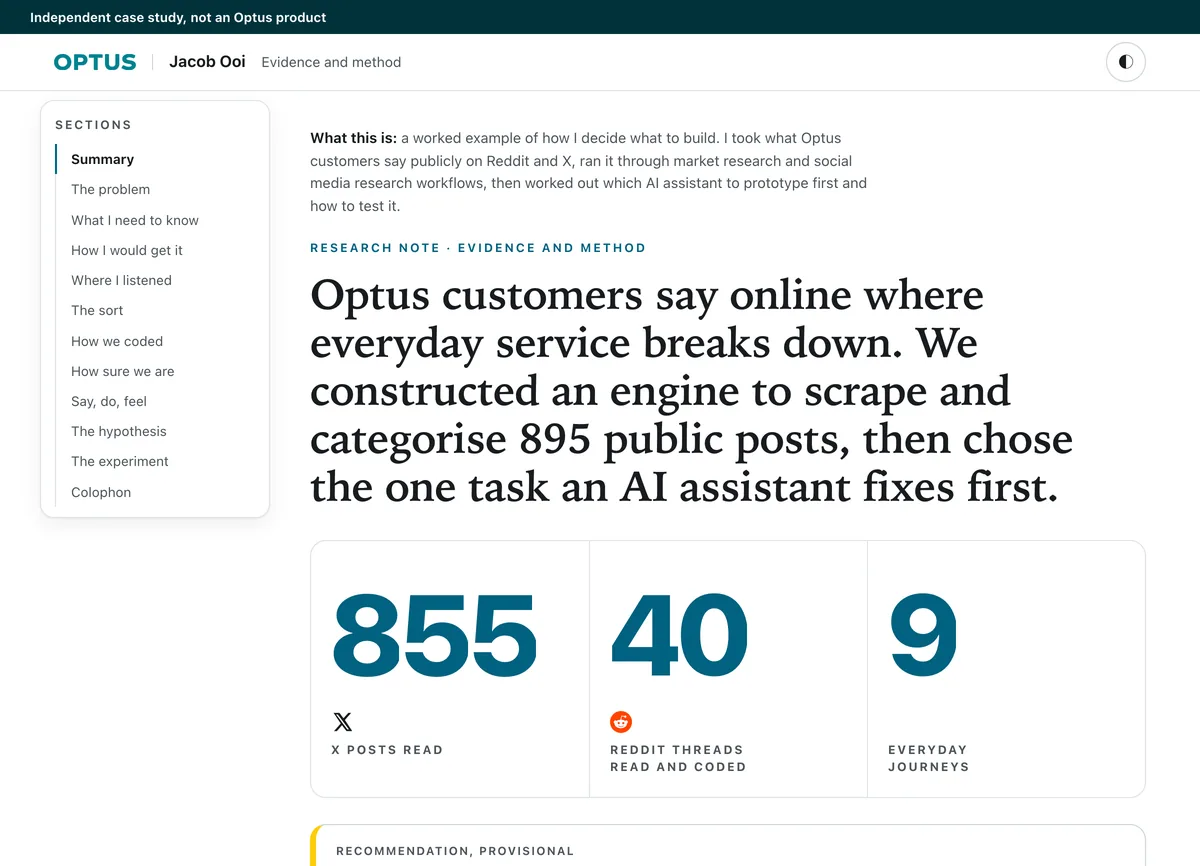
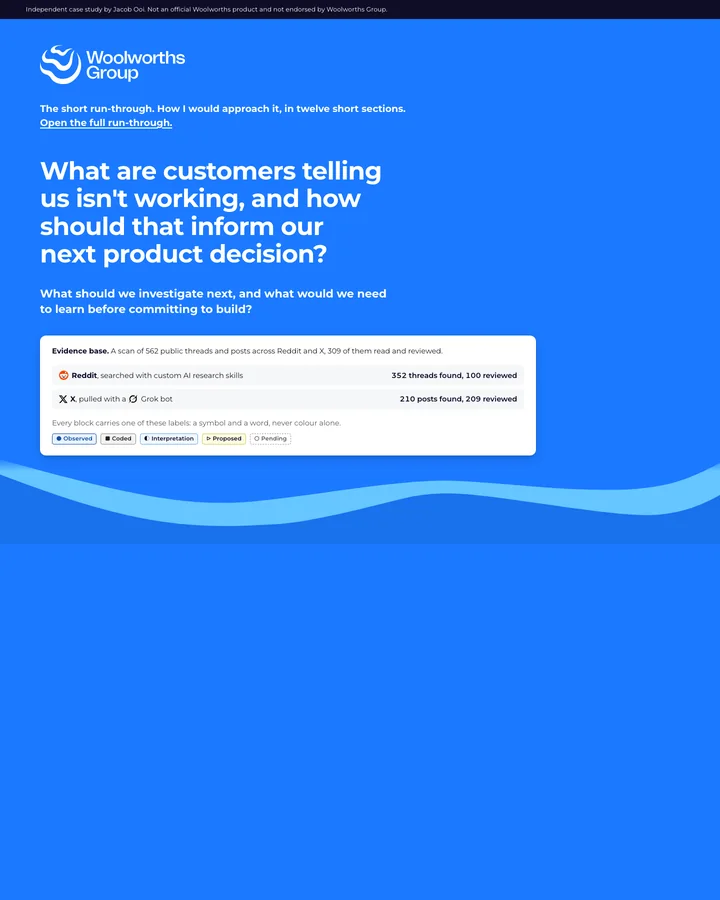
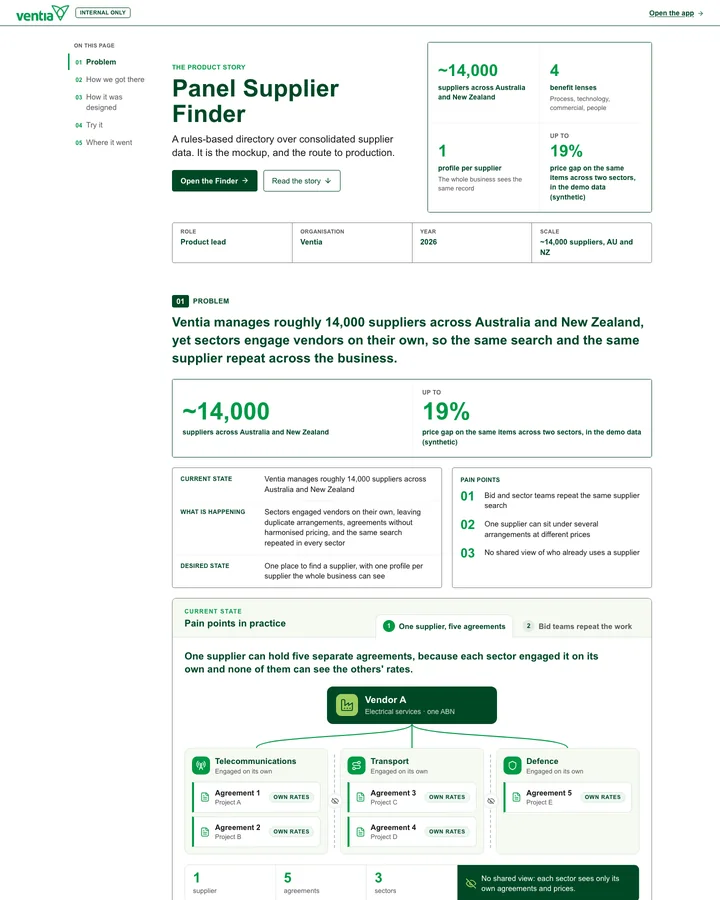
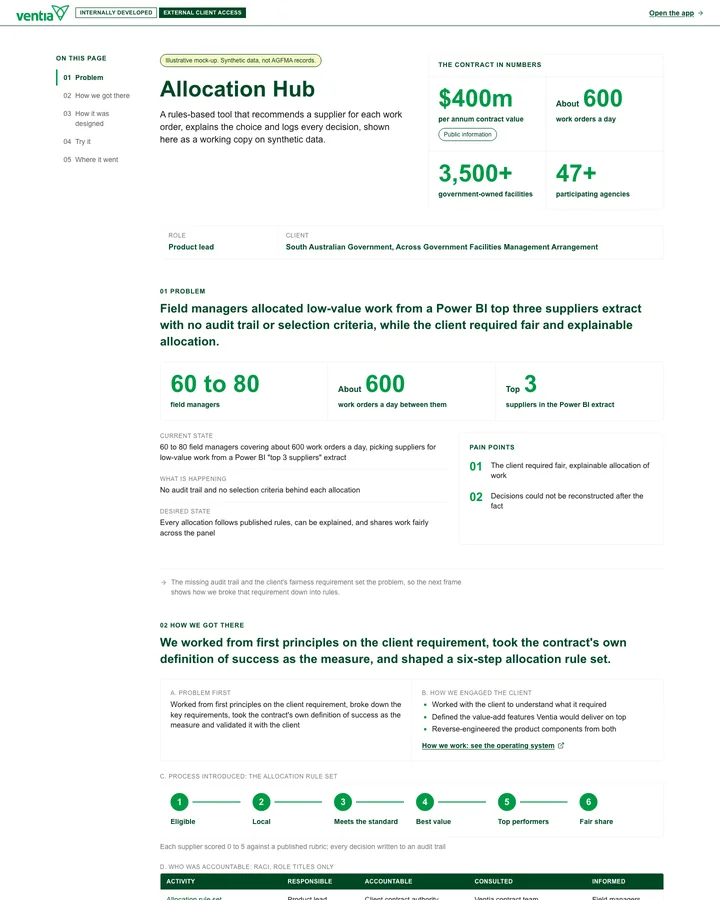
From customer evidence to product decisions, these case studies show how I frame problems and test useful changes.

01 · CONTEXT · THE KNOWLEDGE GRAPH

Context lives in one knowledge graph the whole team works in, so decisions and evidence carry from one piece of work to the next.

Each note is typed by the ontology (meeting, decision, spec, research, eval) and linked to the skills and tools that use it. Note titles and metadata are replaced for confidentiality.

Open the knowledge graph full screen ↗ (opens in a new tab)

02 · RETRIEVE · RULES AND VAULT INDEX

Each session reads the same rules and vault index first, then retrieves only the notes and skills its task needs.

Start of session

Rules and vault index

Before it writes anything, the harness reads the same contract, skills and vault index, so every session starts with full context.

  1. 01Vaultnotes, decisions, specs, people
  2. 02RulesAGENTS.md, skills, templates
  3. 03Read before writecites every note it used
  4. 04Guardrailsnothing leaves without approval

Click a tab to see the real file

Snapshot · tweaked

03 · SWITCH · ONE HARNESS, EVERY TOOL

One harness then switches into Miro, Jira, data or the house kit as the task needs, and files every result back to the vault.

On demand · Miro connector

Whiteboarding

Workshops happen in Miro, and the harness reads the board back into the meeting note, so nothing decided in the room gets lost.

  1. 01Design in Mirojourney, pains, wireframe, votes
  2. 02MCP connectorthe harness reads the board
  3. 03Pythonworkshop_board.py clusters and counts
  4. 04Back to the vaultthemes and decisions in the meeting note
▦Supplier profile v2 · design workshop08/09/2026 · board built by workshop-boardPLSLENCM
Journey: find a supplier
Search
Search by trade and region
"I ring around first. It's quicker."[[08-11 discovery]]
Shortlist
Pick two or three to call
"Is this the same supplier twice?"[[08-21 discovery]]
Check rates and MSA
Open each supplier for rates
"Rates hide behind a click."[[08-13 discovery]]
Engage
Raise the PO
Show which sectors already use themadded in the room
Wireframe: supplier card v2
Search: trade, region
✕
!
Call
Raise PO
Flag possible duplicates. Never merge.
Rates on the card. No click.
Decisions and parking lot
Rates on card: take to sprint review
Duplicates stay in the reviewer queue (D-011)
AUD and NZD side by side?
Map view: later (D-012)
Sector lead
Engineer

Before the workshop, the harness lays out the journey and the pains quoted in discovery interviews.

In the room, the squad and sector leads vote on the pains. "Rates hide behind a click" gets the most votes.

Then a first wireframe goes up, and the room marks what has to change.

Decisions and open questions go to the parking lot.

After the session the harness reads the whole board back into the vault.

Snapshot · tweaked

Read back to the vault

Nobody reopens a workshop board a month later, so the harness reads it back into the meeting note straight after the session and links it to the PRD.

meetings/2026-09-08-design-workshop.mdstickies read23, in 3 themestop-voted pain"Rates hide behind a click" (6 votes)proposedrates on the card, to sprint review 16/09confirmedD-011 duplicates stay in reviewer queuewireframelinked from [[prd-supplier-profile-v2]]nextmock-up for pilot users

A month later, anyone can ask the harness

What did the design workshop decide about supplier rates?

Rates move onto the supplier card, with no extra click, and went to sprint review on 16/09. Sources: [[2026-09-08-design-workshop]], [[prd-supplier-profile-v2]]

On demand · Jira and Smartsheet connectors

PMO tools

An approved action in the meeting note becomes a Jira ticket, and the key comes back to the note so the trail runs both ways.

  1. 01Actioncaptured in the meeting note
  2. 02Approvenothing leaves without it
  3. 03Pythonroute_actions.py creates the ticket
  4. 04Key backSF-142 in the note, status follows
Meeting note on the left, Jira board on the right, the ticket SF-142 created and its key written back into the note
A frame from the film above

On demand · data connectors

Data and tool calls

A plain question becomes a read-only query, and the answer is filed with the note, alongside the query and its source.

  1. 01Plain questionasked in the session
  2. 02Draft queryBigQuery or Databricks, read only
  3. 03Run and checkrow counts and the run id kept
  4. 04Filed with the notequery, answer and source together
The plain question, the drafted BigQuery query and the result table by CREST segment, with the answer filed to the note
A frame from the film above. Mock figures.

On demand · brand kit

Templates

Status packs, PRDs and write-ups all come out of one house kit, so nothing gets reformatted on the way to leadership.

  1. 01House kittokens, slide masters, style rules
  2. 02One template per jobstatus pack, PRD, write-up
  3. 03Harness fills the mastertitle, bars, source line
  4. 04One shape, one lookno reformatting on the way out

WHO RUNS IT

I lead the product and own the system, and any approved model can run it because the method sits in the vault, rules and connectors.

My role
Product lead and owner of the working system
Stack
  • AI harness
  • Obsidian vault
  • MCP connectors
  • BigQuery
  • Databricks
  • Python
Used by
Me, the squad and leadership through status packs

Not tied to one model

The same pattern runs with Claude, Gemini, OpenAI or an open model behind it. The method is the vault, the rules and the connectors, not the model.

If your team wants AI products that hold context and earn adoption on real customer journeys, I would welcome a conversation.

Connect on LinkedIn (opens in a new tab)
Lego figure of Jacob, smiling, building with grey bricks.

Jacob Ooi · Head of Transformation and Analytics @ Ventia Australia (ASX: VNT)

Building is my love language.

Applying AI to real work and real life.